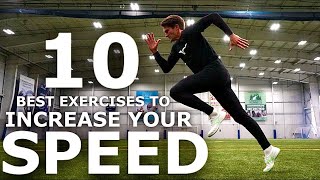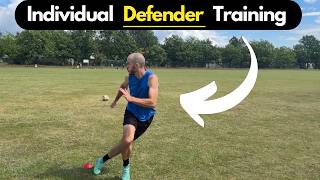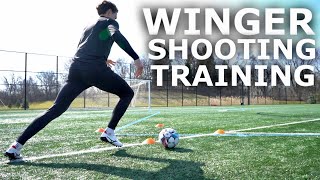
Video organizer / Custom workout builder / Session tracker

Turn YouTube workout videos into routines you can track.

Save exact timestamps. Build your routine. Track every session.

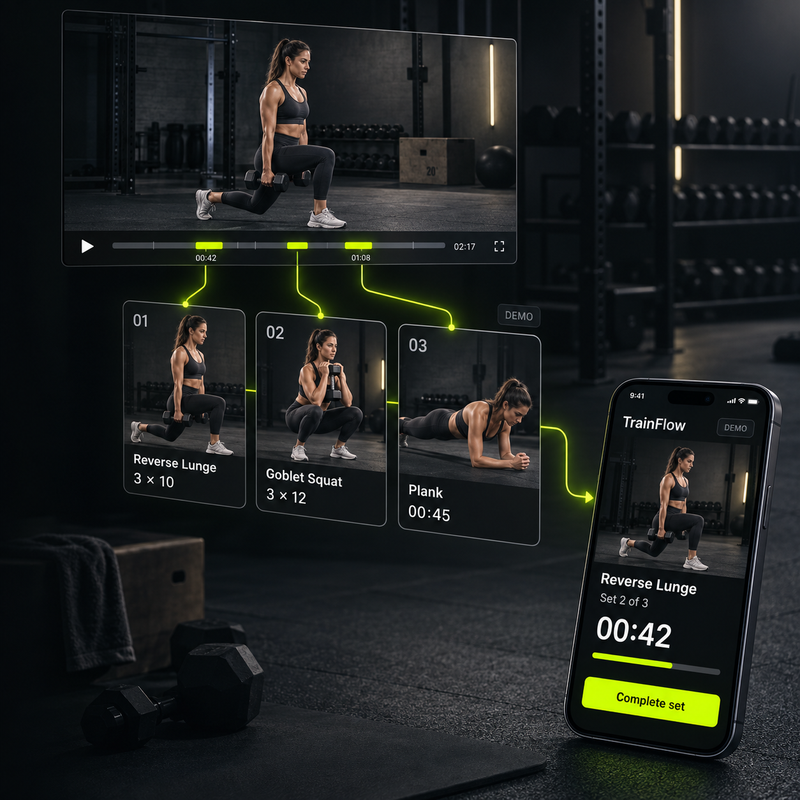
Save YouTube workouts, bookmark the exact moments you need, add notes, and turn those video actions into custom routines you can log on mobile.

No app download needed. Open TrainFlow in your browser on desktop or mobile. Get started for free. No credit card required.
Sample workflow
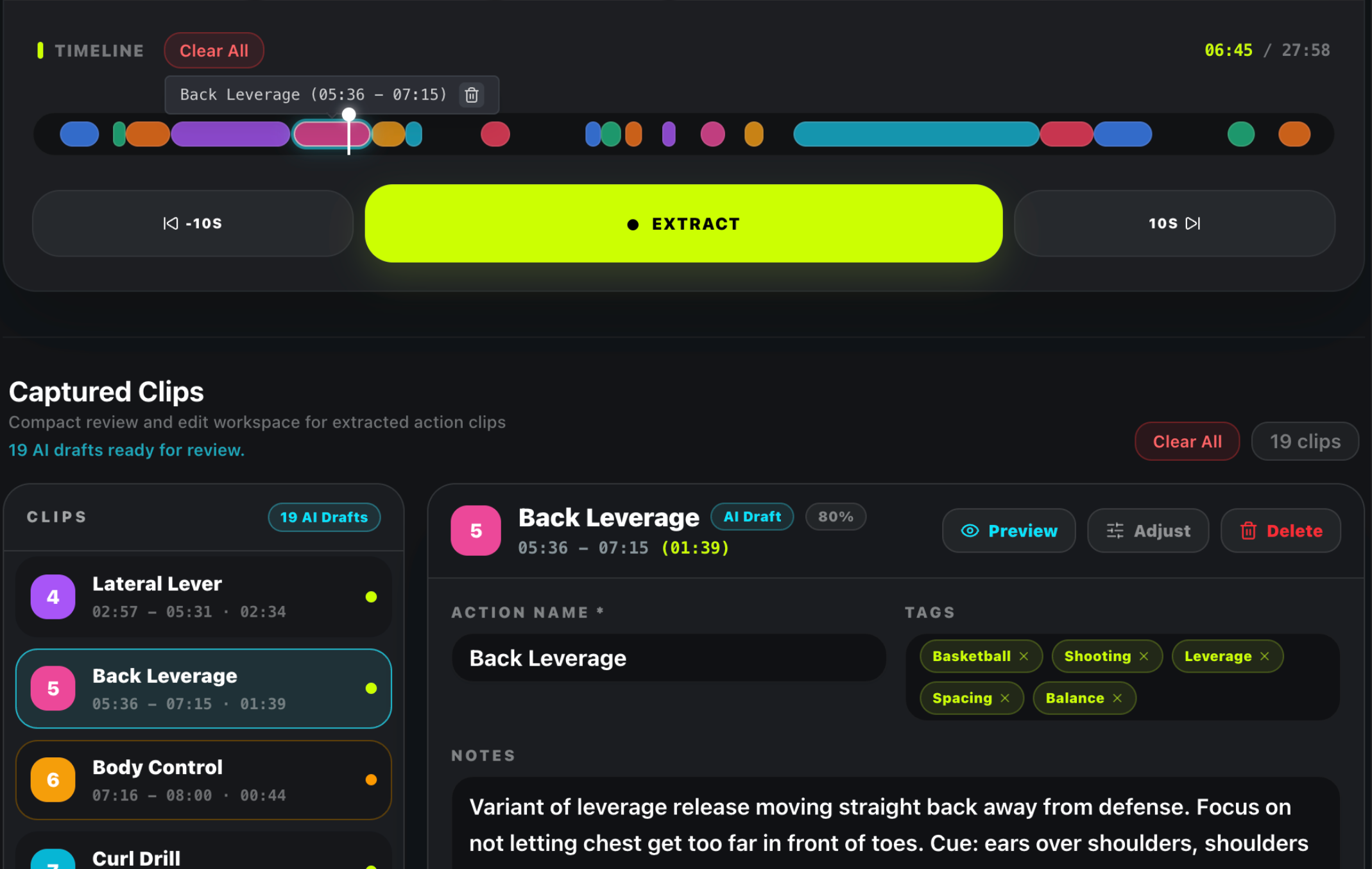
1. Extract clips
Desktop
TrainFlow video extraction workspace showing a YouTube timeline, extracted clips, tags, notes, and action details
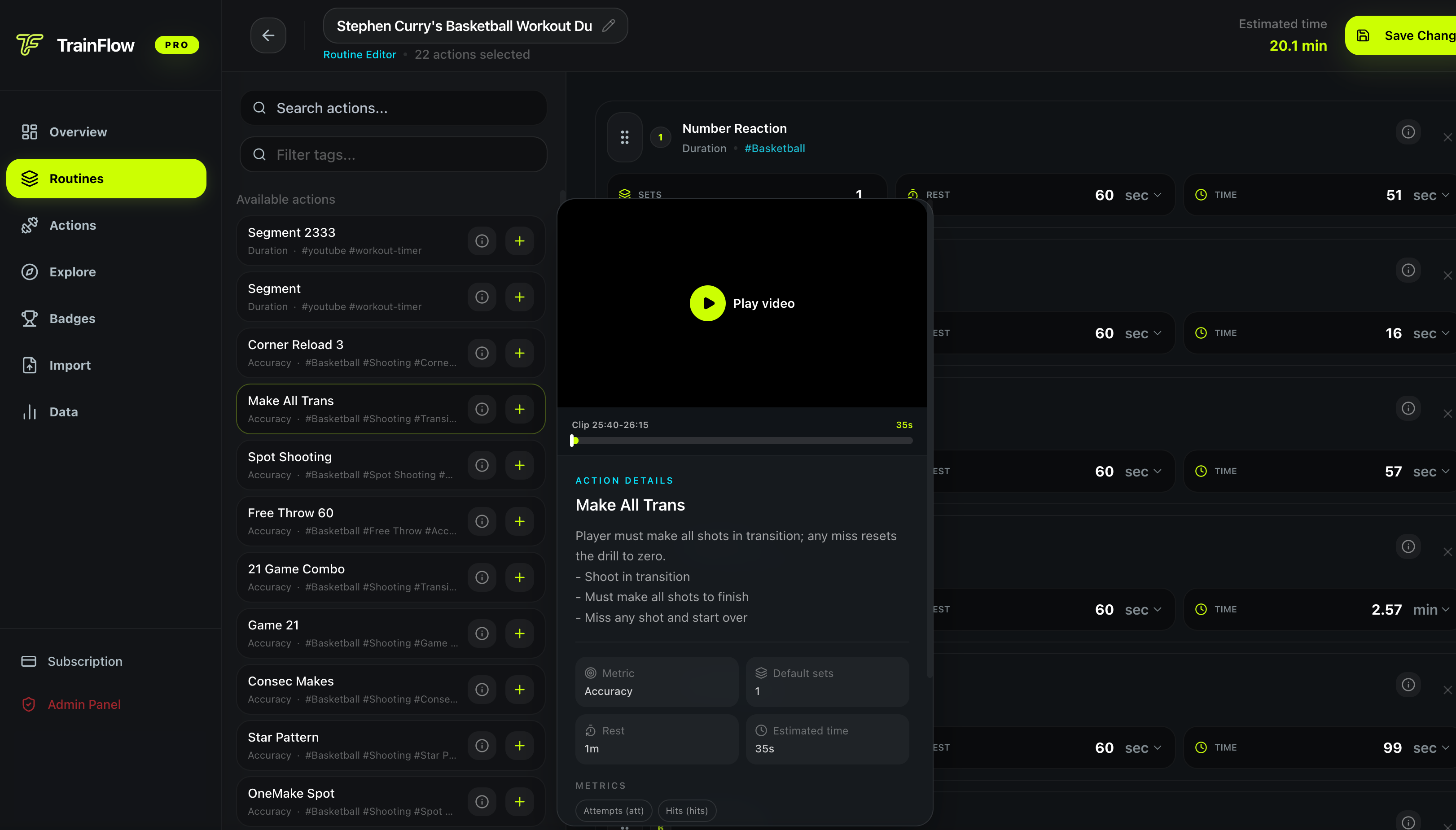
2. Build routine
Desktop
TrainFlow routine editor showing selected training actions, sets, rest time, estimated duration, and save controls
3. Run session
Mobile
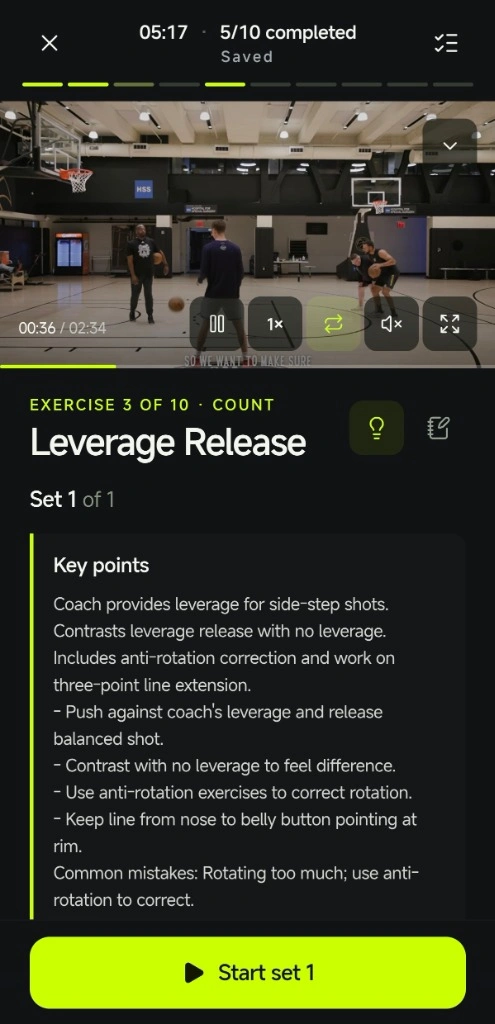
TrainFlow mobile training session showing active timer, exercise cards, challenge target, set logging, pause, and finish controls
A better way

The old way vs. the TrainFlow way.

50 bookmarks, zero structure
A searchable library of trimmed reps
Messy notes: "skip to 3:42"
Auto-loop the exact 5 seconds
"What should I train today?"
Tap a routine, start training
"Am I even improving?"
Every set logged, progress visible
All in trainflow.me

Your first TrainFlow session starts in the browser.

No app download needed. Plan on desktop, open the same website on mobile, and run your routine from your phone when it is time to train.

Create Free Workspace
01

Start on desktop

Create a free workspace and use the dashboard to save actions, trim clips, and organize your training library.

Best for planning
02

Save your first action

Paste a YouTube tutorial link, trim the exact rep you want to practice, and save it as a reusable action.

One clip becomes one action
03

Build a short routine

Pick a few saved actions, set the reps, rest, and order, then save the routine for repeat sessions.

Keep the first one simple
04

Run it on mobile

Open TrainFlow in your phone browser, start the routine, and log sets without downloading a separate app.

No app store install
Video-driven actions

Never lose a useful drill again.

You see a perfect crossover at 2:47 of a tutorial. By tomorrow it's buried in your watch history. TrainFlow lets you paste the link, drag to the exact timestamp, and save that 5-second clip as a reusable action that stays linked to the source video.

1
Paste the link
2
Drag to trim
3
Action saved
One 20-min tutorial can become 10+ saved actions
5:30
Timeline clip
0:005:30
Crossover Drill
00:05
Routine builder
29 min
Warm-up Jog
Cardio
5 min
Crossover Drill
Basketball
8 min
Defensive Slides
Agility
6 min
Free Throw Practice
Accuracy
10 min
Total session time29 min
Reusable routines

Build repeatable sessions from your saved actions.

Most training notes stop at a list of links and loose timestamps. TrainFlow turns saved clips into action blocks you can reorder, reuse, and run as a focused session whenever you practice.

1
Pick from your library
2
Drag to reorder
3
See total time
45-min session, built in under 2 minutes
Spin to log

Record every set without touching a keyboard.

Sweaty hands mid-workout are the worst time to type. TrainFlow brings a scroll-wheel dial straight from your phone's native feel. Spin to the weight, spin to the reps, tap Done. Two thumbs, three seconds, set logged. No keyboard, no friction, total focus.

1
Tap the value
2
Spin the dial
3
Confirm & log
Native-feel dial, zero keyboard needed
Log Set
Crossover Drill · Set 2
Weight (kg)
+
46
48
50
52
54
Reps
+
9
10
12
14
15
Done
Tap ✓ to log the set
Try the flow

See it in action, no sign-up needed.

Video Source
youtube.com/watch?v=dQw4w9...
Timeline
0:00-5:30
Crossover Drill
5s clip saved
00:05
Session
Crossover Drill
3 sets
Hesitation Move
3 sets
Euro Step
3 sets
Start Training
By the numbers

From video to training, fast.

0 min
One video tutorial
Becomes 10+ saved actions
0 min
A full routine, built
Drag, drop, done
0 tap
To log every set
Slide the value, move on
Traditional method: scattered notes, bookmarks, and re-finding videos. TrainFlow: clip, arrange, and start from one workflow.
FAQ

Questions before you start.

TrainFlow is for people who find useful workouts online and need a cleaner way to save, organize, repeat, and track them.

Is TrainFlow free to start?

Yes. You can create a free workspace without a credit card. The free plan includes a limited action library, limited routines, and recent training history. Pro unlocks more room when your workflow grows.

Do I need to download an app?

No. TrainFlow runs in the browser. Use the desktop dashboard to build actions and routines, then open the same website on your phone to run sessions from the mobile training flow.

What should I do first after signing up?

Start on desktop. Save one useful YouTube workout or timestamp as an action, build a short routine, then open TrainFlow on your phone browser when you are ready to train.

Is TrainFlow only for basketball drills?

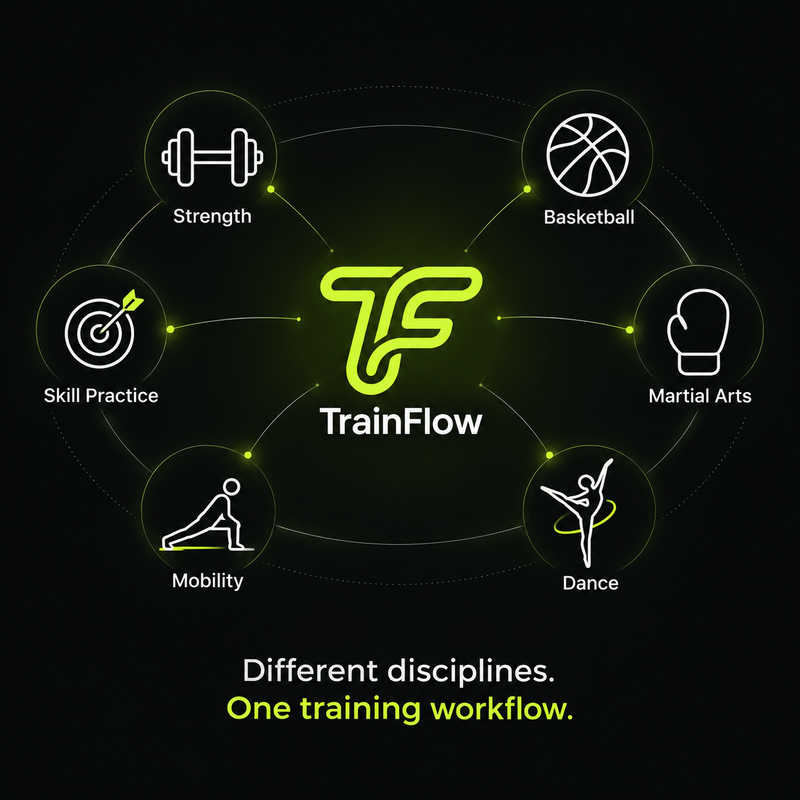
No. TrainFlow is built for repeatable practice that benefits from exact video clips: basketball, strength training, combat sports, dance, mobility work, and other skill routines.

Do I need to type during a workout?

No. The mobile training flow is designed for quick set logging with tap-friendly controls, so you can record reps or weight and move to the next set without opening a keyboard.

How do I track workouts from YouTube?

Save the full workout or its exact exercise timestamps, add the video actions to a routine, and log the sets, targets, or session you complete from the mobile training flow.

How is this different from a normal workout logger?

Most workout loggers start from preset exercise templates. TrainFlow connects the exact video moments you follow with reusable actions, custom routines, and the sessions you log.

Start training

Create your training workspace today.

Start by saving exact workout video moments, turning them into reusable actions, and building routines you can track on mobile. Upgrade to TrainFlow Pro anytime for unlimited access.

No credit card required to start. Cancel anytime.

Create Free Workspace

Get instant access to your workspace.